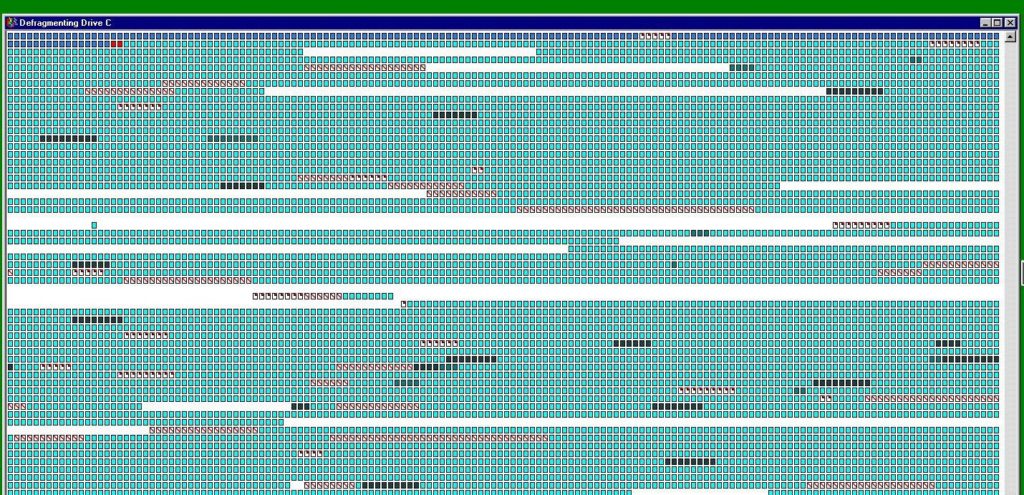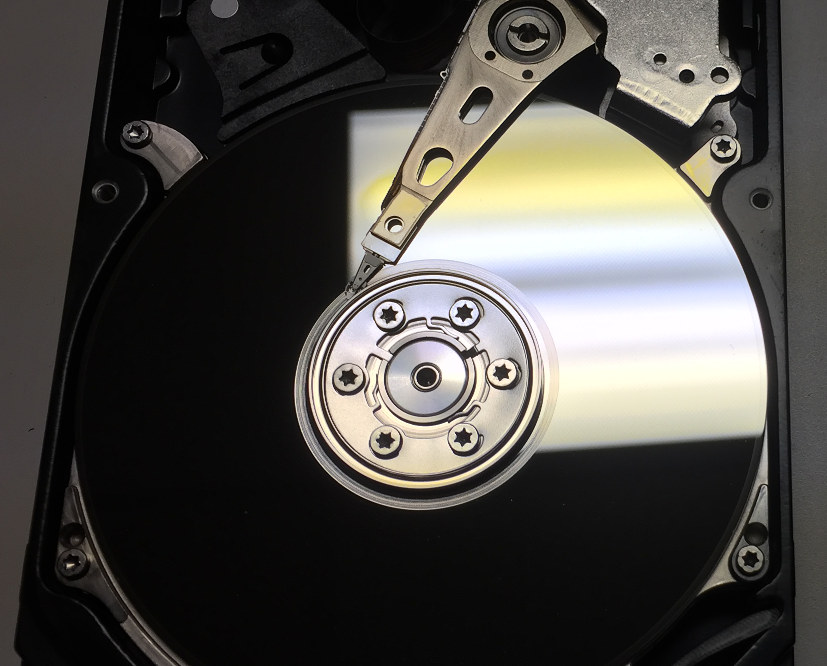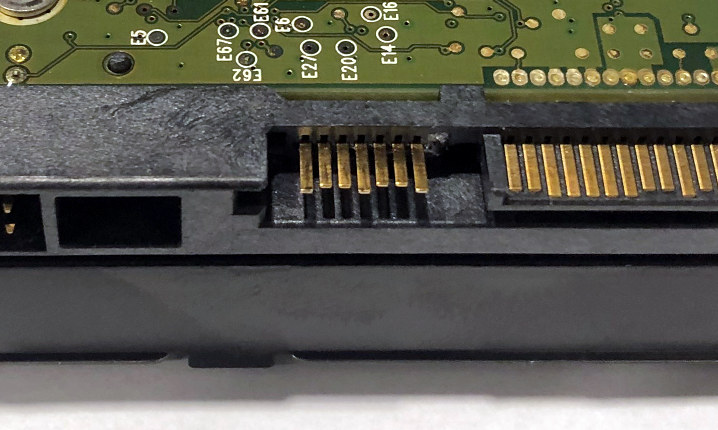
 If you’re of a certain age, you learned that defragmenting your hard drive was important computer hygiene. That’s no longer…
 If you’ve found this page, you’re probably running CHKDSK, Microsoft’s built-in utility for hard disk drives — and you’re wondering…
 The Windows Media Creation Tool is used to create backup installation media for Microsoft Windows systems. It’s intended for use…
 In order to recover data from a physically damaged hard drive, engineers need to return the drive to a working…
 Most reputable data recovery providers evaluate storage media before providing a quote. In another article, we explained why evaluations are…
 Imagine taking your car to a mechanic that charges a flat rate for every service. Whether you’re getting a routine…
 A hard drive’s Serial ATA (or SATA) connector allows storage media to interface with the computer. It’s essential to hard…
 When your hard drive fails — or you suddenly lose access to important files, and you realize that you don’t…
 It’s no secret: Hard drive data recovery can be expensive. For an individual hard drive, costs can vary from $100…
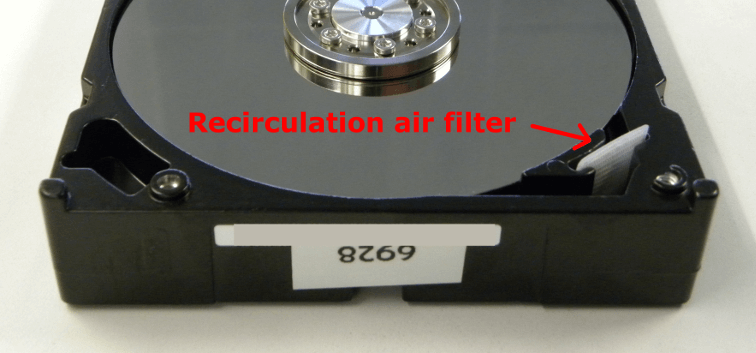
 Contrary to popular belief, the enclosure of a hard drive does not create a perfect seal (on most hard drives).…